For Pic-Time photographers
Drop exported photos into a folder. Pic-Time Assist creates the gallery, uploads, and delivers so you can focus on what you do best.
& the Pic-Time Uploader
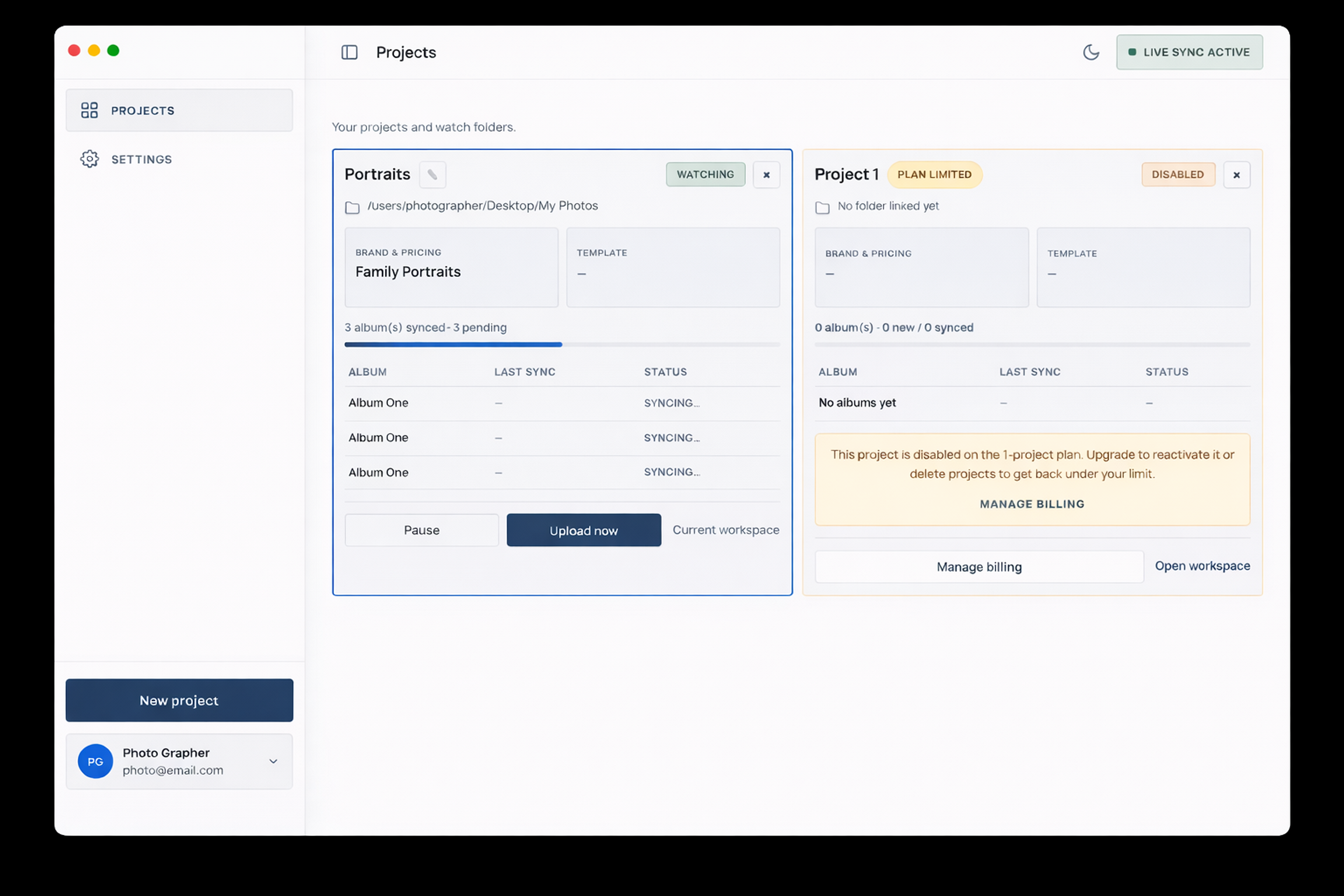
How it works
Connect your account
Sign in to Pic-Time once. Choose your brand, pricing, and template defaults for each project.
Set a watch folder
Point the app at your export destination. It watches for new album folders using a simple naming convention.
Export and forget
Drop photos into the folder. Pic-Time Assist creates the gallery, uploads the images, and delivers.
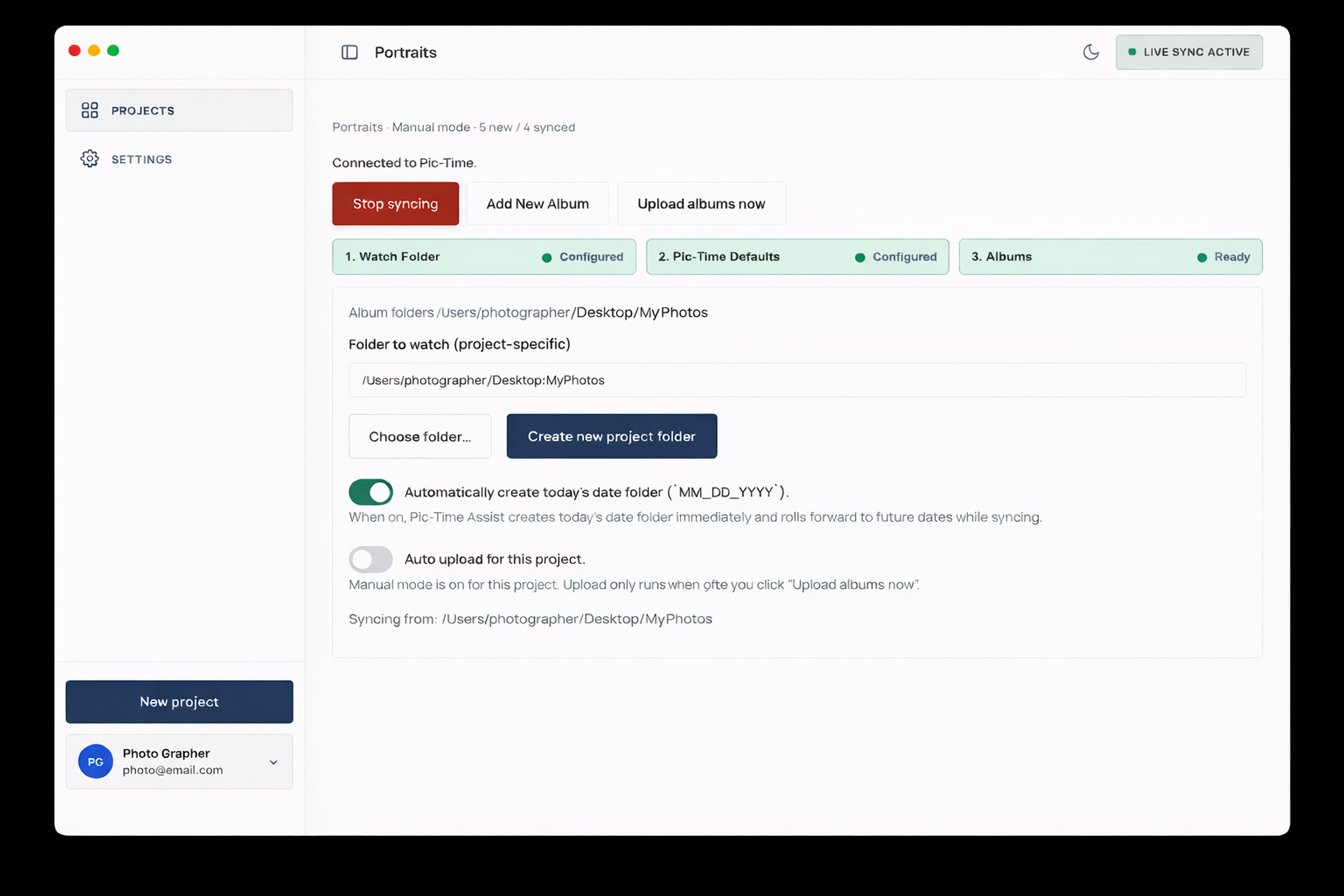
What it does
Folder watching
Point it at a local folder. When new album folders appear, the app picks them up. No manual imports, no drag-and-drop.
Auto gallery creation
Each album folder becomes a Pic-Time gallery with your chosen brand, pricing, and template defaults.
Background uploads
Uploads run through the official Pic-Time Uploader while you continue editing. The app lives in your menu bar.
Multiple projects
Separate watch folders, defaults, and sync history per project. One app for your whole studio.
Pricing
Upgrade when you want gallery delivery running in the background.
Start with one project free. Upgrade for $9/month when you want Pic-Time Assist running across your studio while you keep editing.
Free
$0
Try the workflow on one project
- 1 project
- Create, upload, and deliver
- Perfect for individuals
Pro
Recommended$9/mo
Keep it running in the background
- Unlimited projects & galleries
- Background sync & auto-delivery
- Billing from your account page
Less admin. Faster delivery.
macOS 12+ · Requires Pic-Time Uploader